Introduction
Software‑locked functions — from navigation and premium audio DSPs to advanced highway pilot systems — are now mainstream in 2026. Manufacturers increasingly sell these as one‑time activations, account‑tied transfers, or subscriptions. For buyers, the result is a new layer of complexity when assessing value, negotiating price and protecting resale. This guide helps car‑buying enthusiasts verify which features actually come with a used or new car, use that information in negotiations, and document transfers so you don’t inherit someone else’s subscription or a crippled vehicle.
Who this is for: enthusiasts and informed buyers shopping new or used cars in markets where OEMs lock features behind software. Why it matters: software options now affect both daily experience and long‑term resale value; treating them like mechanical options is required to avoid paying for what you can’t use.
Prerequisites / Context
Before you begin, know these basic concepts that still govern paywalled features in 2026:
- Three common activation models — VIN‑tied (stays with vehicle), account‑tied (attached to an owner account and may or may not transfer), and subscription (service stops when payments stop).
- Feature categories — safety‑critical driver assists are more likely to be sold as permanent VIN‑tied options after consumer pressure; convenience, infotainment and performance features remain the most frequent subscription or account‑tied items.
- Documentation matters — screenshots, OEM support replies and explicit contract language are the only reliable proof sellers and dealers must honor.
Practical requirement: bring a smartphone with good camera/video capability, the ability to save screenshots or PDFs, and a plan to create or register the OEM account you will use immediately after purchase.
Step 1 — Decide which paywalled features matter to you
1. Create a prioritized list of features: must‑have, want, and don’t care. Typical items in 2026:
- Advanced driver assists (hands‑on lane keeping, automated lane change)
- Highway pilot / Level‑2+ assisted driving
- Premium navigation with live maps and satellite imagery
- Climate/comfort functions (heated/cooled seats, multi‑zone preconditioning)
- Performance unlocks (torque or software performance modes)
- Subscription entertainment or integrated app suites
2. For each item, note whether a credible aftermarket exists (e.g., seat heaters can be retrofitted; certified highway autonomy cannot). Why: this affects how much you should discount a car missing a feature versus walking away.
Step 2 — Research manufacturer and market policies before you shop
1. Visit the OEM’s owner support and knowledge base and search for “feature activation,” “license transfer,” and “subscription.” Many OEMs now publish transfer procedures; save screenshots or PDFs of these pages.
2. Check consumer reports, owner forums and mainstream review sites for recent transfer experiences. Look for patterns (for example: "Model X owner forum shows lane‑assist activations are VIN‑tied; infotainment apps are account‑tied").
3. Call OEM support and ask directly: “Is FEATURE_NAME VIN‑tied, account‑tied, or subscription? If account‑tied, what is the transfer process and estimated timeline?” Record the agent’s name, date and reference number. Why: a direct answer from OEM support is strong evidence if a dealer later contradicts you.
Step 3 — Narrow your search: prioritize vehicles with permanent activations
1. Prefer cars where core safety and convenience functions you value are VIN‑tied or permanently activated. This reduces ownership hassle and supports resale value.
2. When comparing similar cars, add a column to your decision matrix for each paywalled feature and its activation model. Example: a 2024 compact EV and a 2022 model may be identical on paper, but if one includes VIN‑tied highway pilot and the other requires a transferable subscription, their effective purchase price differs significantly.
Step 4 — Verify feature status in person
On test drives and inspections, confirm status with the following sequential checks:
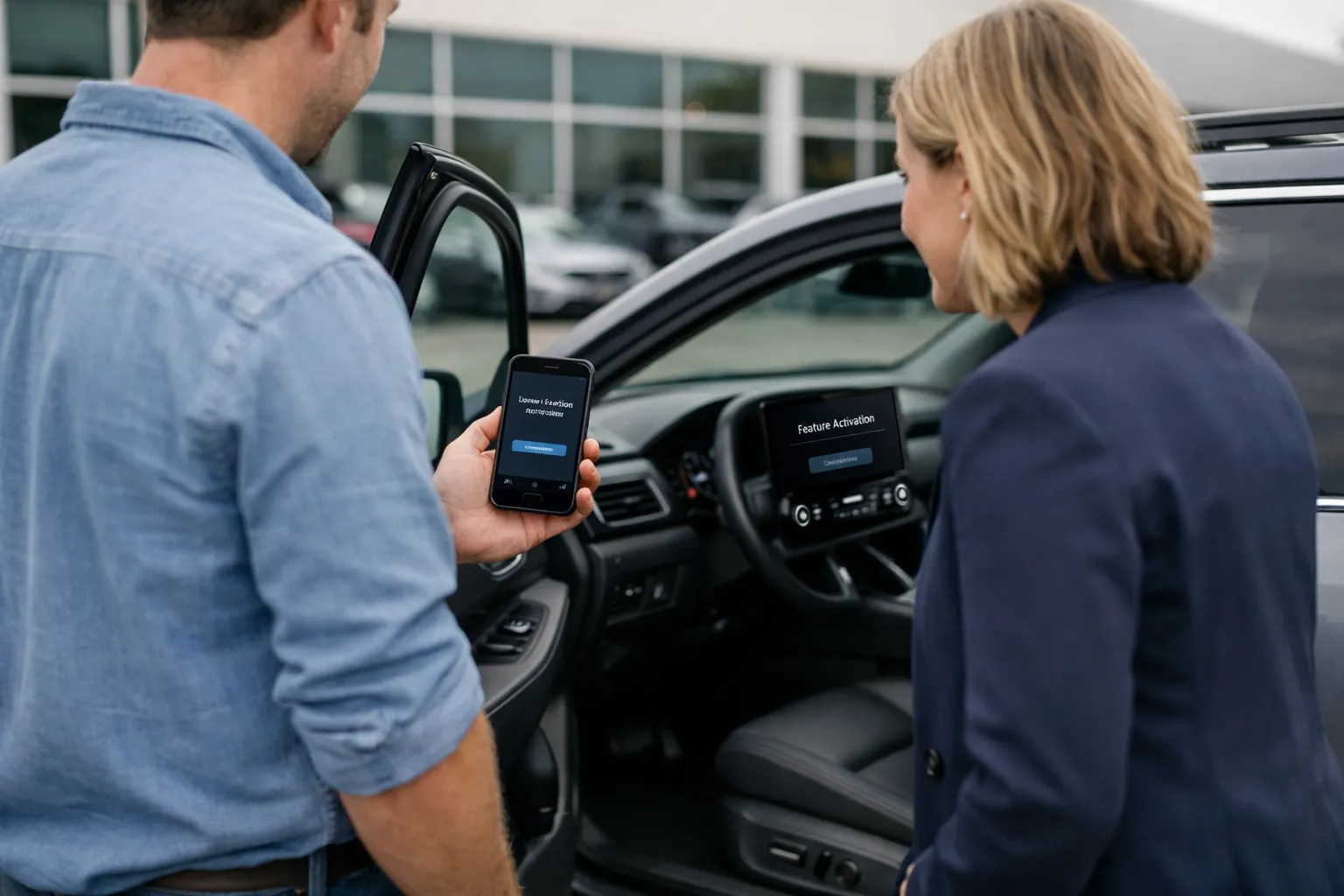
- Demonstrate the feature live. Ask the seller or dealer to operate the feature while you watch. For subscriptions, ask them to show the billing or activation page on the vehicle's infotainment system or the OEM app.
- Record proof. Photograph or video the infotainment screen showing the VIN, feature name, activation status and any expiry date or account email. Capture the vehicle’s VIN from the door jamb and the title/registration for cross‑checking.
- Open the OEM account flow. For account‑tied activations, request the seller to start the transfer flow in your presence or to provide an OEM‑issued transfer authorization email. If the seller refuses, treat that as a red flag.
- Check the app and web portal. If an OEM has a web owner portal, ask the seller to log into it (or show their app) and navigate to Vehicle > Features/Subscriptions. Screenshot the entire sequence so metadata includes date and time.
Why this works: recorded evidence is the currency you’ll use if a dealer backtracks or the OEM’s support team needs proof to process a transfer.
Step 5 — Negotiate using the feature’s activation model
1. If a vehicle lacks a core feature you require, ask the seller to either activate it prior to sale or reduce the price by the OEM’s retail activation cost. Example: if OEM lists a permanent activation at $499, request that same reduction or insist on activation in writing.
2. For subscription‑only features, calculate the subscription cost across your expected ownership period (monthly cost × months) and use that as the baseline for a price reduction. Example: $19/month × 36 months = $684 discount.
3. If transfer requires seller cooperation and they refuse, demand a written credit or walk away. Sellers sometimes undercut a car’s value by keeping attractive account‑tied features; that should factor into price and willingness to buy.
4. Use comparables. When possible, cite prices from online dealers or direct competitors who include permanent activation. Car valuation tools (Edmunds, Kelley Blue Book, market listings) can be used to justify the discount, but translate software absence into a dollar amount clearly in negotiations.
Step 6 — Document transfers and get written guarantees
1. Dealers: include an explicit clause in the purchase contract listing each paywalled feature, current activation status and the dealer’s obligation to transfer or permanently activate it by a specific date (e.g., “Dealer will ensure VIN shows permanent activation for [feature] in OEM portal within 7 days.”).
2. Private sellers: add language to the bill of sale such as “Seller hereby represents and warrants that the following features will be transferred to Buyer’s OEM account at closing: [list features]. Seller will provide OEM transfer authorization within 3 business days.” Include remedies for failure (price refund or escrow release).
3. Subscriptions and prepaid periods: obtain written confirmation of remaining time and whether refunds or proration are available. If the OEM offers refunds for prepayments when ownership changes, get the policy in writing.
Step 7 — After the sale: immediately confirm and preserve access
1. Create or use an OEM account you control and immediately link the VIN. Remove any prior account linked to the vehicle. Take screenshots of account pages showing the VIN and active feature list.
2. Email the OEM support team with your proof of purchase (bill of sale, contract) and request written confirmation that the VIN and features are now associated with your account.
3. If the dealer promised activation and missed the deadline, escalate with OEM support using your purchase documentation and the agent notes saved at the time of sale.
Common mistakes to avoid
- Relying on verbal assurances from dealers about feature transferability without written contract language.
- Assuming an active demonstration equals transferable activation — demonstrations can show a feature under the seller’s account but not transferable.
- Failing to document the VIN and activation screens; screenshots taken later may be challenged for authenticity without time‑stamped video or raw file metadata.
- Undervaluing software options in your price comparison — two identical trims can differ by thousands of dollars in perceived value if a flagship safety feature is absent.
Pro tips (advanced)
- Price math shortcut. For subscription features, compute your expected ownership cost and ask for that exact dollar amount as a credit. Example: monthly $15 × expected months = negotiation figure.
- Use escrow for private sales. Hold funds in escrow and require OEM confirmation of transfer before release. Several online escrow services support vehicle sales and can hold funds until digital licenses transfer.
- Spot firmware/version cues. Some OEMs mark permanent activations in the firmware metadata visible on the vehicle’s “About” screen. Photograph any “license: VIN” or “license: permanent” text shown.
- Leverage listings that show features. When possible, buy from sellers who display OEM screenshots in the listing — listings with full documentation typically price closer to actual value and are less likely to produce surprises.
- Be cautious with aftermarket unlocks. Third‑party dongles and software patches can enable features but frequently void warranties and may violate local anti‑tampering laws. Treat them as last‑resort and verify legal implications locally.
Updated examples and negotiation scenarios (Oct 2026)
Example A (used EV): A 2023 mid‑range EV lists “Highway Pilot (subscription)” and shows the feature working during a test drive. The seller confirms it’s tied to their account. You calculate your intended 5‑year ownership cost at $20/month → $1,200. Strategy: request a $1,200 credit or insist the seller initiate the OEM transfer in your presence. If the seller refuses, reduce offer or walk.
Example B (luxury sedan): A dealer advertises a certified pre‑owned 2024 sedan with “Premium Navigation permanently activated (VIN).” You’ve documented the VIN on the activation screen and added a clause in the contract confirming it. After sale, confirm the OEM portal shows the VIN with permanent activation — if not, the contract clause gives you grounds for remediation.
When permanent activation isn’t possible: alternatives
- Negotiate a larger discount and treat the vehicle as missing that option.
- Consider other cars in market that include the feature as VIN‑tied; inventory has improved since 2024 and you’ll often find comparable cars that include permanent activations.
- Research aftermarket solutions carefully — get quotes and check legal/warranty consequences before accepting a vehicle solely because a hack can enable the feature later.
Checklist for purchase day (printable)
- List of paywalled features you require
- OEM support policy screenshots or agent reply saved
- Seller/dealer demonstration videos/screenshots showing VIN and activation
- Contract clause guaranteeing transfer or activation with a deadline
- Post‑sale plan: OEM account created and VIN linked immediately
Bottom line
Software‑locked features are now a standard part of vehicle value. In Oct 2026, buyers who treat them like physical options—researching OEM policies, verifying activation in person, documenting transfers, and using activation status as a negotiation lever—will avoid subscription surprises and preserve resale value. If an activation isn’t permanent or transferable, insist on a price adjustment, written guarantees, or walk away.
FAQ
How can I tell if a feature is truly VIN‑tied or just tied to the seller’s account?
Ask the seller to show the activation within the vehicle’s Settings and in the OEM app or portal. VIN‑tied activations are usually displayed with the vehicle’s VIN and language such as “registered to this vehicle” or “permanent.” Record a video that shows both the VIN (from the door jamb) and the activation screen. Then confirm with OEM support if necessary — save the support agent’s name and correspondence.
Is it legal for dealers to require subscription activation after purchase?
Yes — dealers can sell vehicles where some features require ongoing subscriptions. What protects you is contractual language. Require the dealer to disclose subscription status and include a clause in the purchase agreement detailing which subscriptions are included, which must be purchased, and any reimbursal or transfer obligations.
Can I get a refund for prepaid subscriptions the seller says will transfer but don’t?
Potentially. If the seller promised transfer in writing or the purchase contract includes that promise, you have grounds for remediation. If a private seller simply verbally promised a transfer that doesn’t occur, legal remedies are weaker. That’s why written proof and escrow for private sales are important.
Are aftermarket dongles or software unlocks a safe alternative?
Usually not as a first option. Aftermarket solutions can enable features but often void warranties, may break terms of service, and can create safety or compliance risks. Use them only after careful research, understanding warranty/legal consequences, and when OEM transfer is impossible and you accept the tradeoffs.
What if the OEM changes policy after I buy the car?
OEMs do update policies. Keep copies of the OEM documentation and contract language you used at purchase. If an OEM policy change affects your access, contact OEM support and provide purchase documentation. In many cases, transfer procedures are clarified and OEMs will honor previously valid activations; retain all proof and escalate through dealer and OEM channels if needed.